> ## Documentation Index
> Fetch the complete documentation index at: https://docs.consensus.app/llms.txt
> Use this file to discover all available pages before exploring further.
# Find research gaps
> Ask Consensus what's missing from the papers you've saved, such as populations, study types, or topics, then search the full index for papers that fill those gaps.
A **research gap** is a question the literature hasn't answered yet: a population nobody has studied, a method nobody has tried, or a result nobody has repeated. Gaps matter for two reasons. They tell you what's missing from your own reading, and they're often where new research projects come from.
This lesson works in two steps: find the gaps in the papers you've saved, then search the whole index to fill them. Pick the path that matches how many papers you have.
A normal **Pro** search is enough for a project-sized Collection.
Open the Collection in **My Library**. It's already attached to the search bar. (From anywhere else, click **+** in the search bar to attach it.)
```text theme={null}
Create a research gaps matrix showing what topics or populations are
missing from this collection.
```
Consensus searches within the Collection, reads the relevant papers, and returns a grid of topics against populations. Empty cells are the gaps.
Choose the axes yourself: "create a research gaps matrix that looks at \[variable A] by \[variable B]".
Remove the Collection from the search bar (click **×** on it, or choose **+** › **Search corpus** › **All**) so Consensus searches all 400M+ papers.
```text theme={null}
Find papers published in the last 5 years that fill those gaps.
```
Consensus remembers the gaps from your last question and runs one search per gap.
Open a paper and use **Save** to add it to the Collection, or select several papers in **References** and save them at once.
For large libraries, use a **Deep Review** so Consensus can work through more of your papers.
From inside **My Library**, your Library is already attached. Click **Deep**, then ask:
```text theme={null}
What are the population gaps in the research I've collected on [topic]?
```
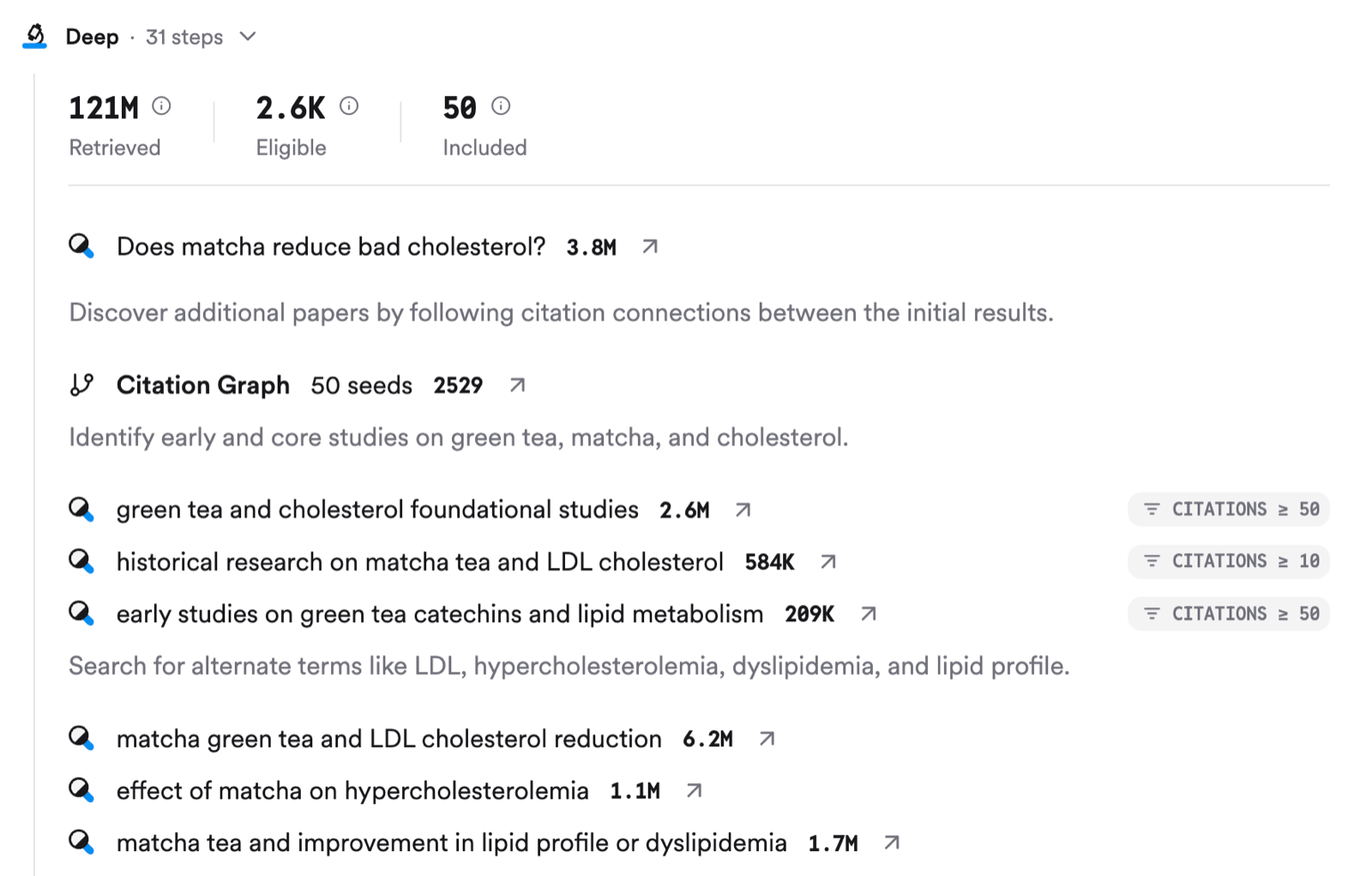
Deep Review runs its own sub-questions across your papers only. It never touches the broader index in this step. The answer includes a visual map of where studies are missing.
Remove the Library from the search bar and ask:
```text theme={null}
Search the broader index to find papers that fill these gaps. Focus on
papers published in the last 10 years.
```
A gap in *your* Collection isn't always a gap in the literature. Step 2 checks the difference: if the full index has plenty of papers on it, you just hadn't found them yet. If it doesn't, you may have found a real research gap, which is often where new projects start.
## Try it on your topic
Run a gaps matrix on your project Collection, then search the full index to fill one of the gaps.
**You should now have:** 2–3 gaps in your topic, and for each one, whether it's a gap in your reading or in the research itself.
Click **+ Add** in the top right of My Library to upload PDF, RIS, or BibTeX files (up to 20 at a time, 50 MB each, text-based PDFs only), paste DOIs, or import from Zotero. See [Library](/core-features/library) for the full walkthrough, including Zotero import.
Scroll to the bottom of an answer and click **Export**: **Copy text**, **Copy with citations** (APA, MLA, Chicago, Harvard, LaTeX, AMA/Numeric), or **Export as PDF**.
This documentation is built and hosted on [Mintlify](https://mintlify.com), a developer documentation platform.