> ## Documentation Index
> Fetch the complete documentation index at: https://docs.consensus.app/llms.txt
> Use this file to discover all available pages before exploring further.
# Map the history of a research field
> Get the historical arc of a field, not just a list of papers. Early foundations, key breakthroughs, and what changed in the last three years.
Entering a fast-moving field, you need to know what was foundational, what changed it, and where it stands now. This tutorial maps CRISPR gene editing from early work to clinical use.
**You'll learn how to:**
1. Surface early foundational work in any field
2. Identify the breakthroughs that shifted the field
3. Generate a recent-only summary of what changed in the last 3 years
4. Read the full reference list in condensed or table view
## Step 1: Ask for foundations and breakthroughs
```text theme={null}
Find the early foundational work on CRISPR as a gene editing tool and identify
key breakthroughs that turned it into a clinical tool.
```
Research Agent runs searches across different time periods, then notices it needs landmark papers to fill gaps. It identifies papers referenced by the key results, looks them up directly, reads 20 of them, and returns a timeline of milestones and the papers to read.
Hover a citation to open the paper. Open-access papers load directly inside Consensus. Click **References** in the sidebar to see the full list as a condensed view or a table view that includes the methods used.
## Step 2: Ask what changed recently
```text theme={null}
What's changed in the last 3 years and what findings really stand out as the
strongest?
```
Consensus re-runs the searches with a 3-year recency filter and summarizes the key claims and evidence, ranking strength by citation count, study type, and how many papers carry the finding forward. In the example: clinical breakthroughs in sickle cell disease and the emergence of next-generation gene editing.
## Browse the full reference list
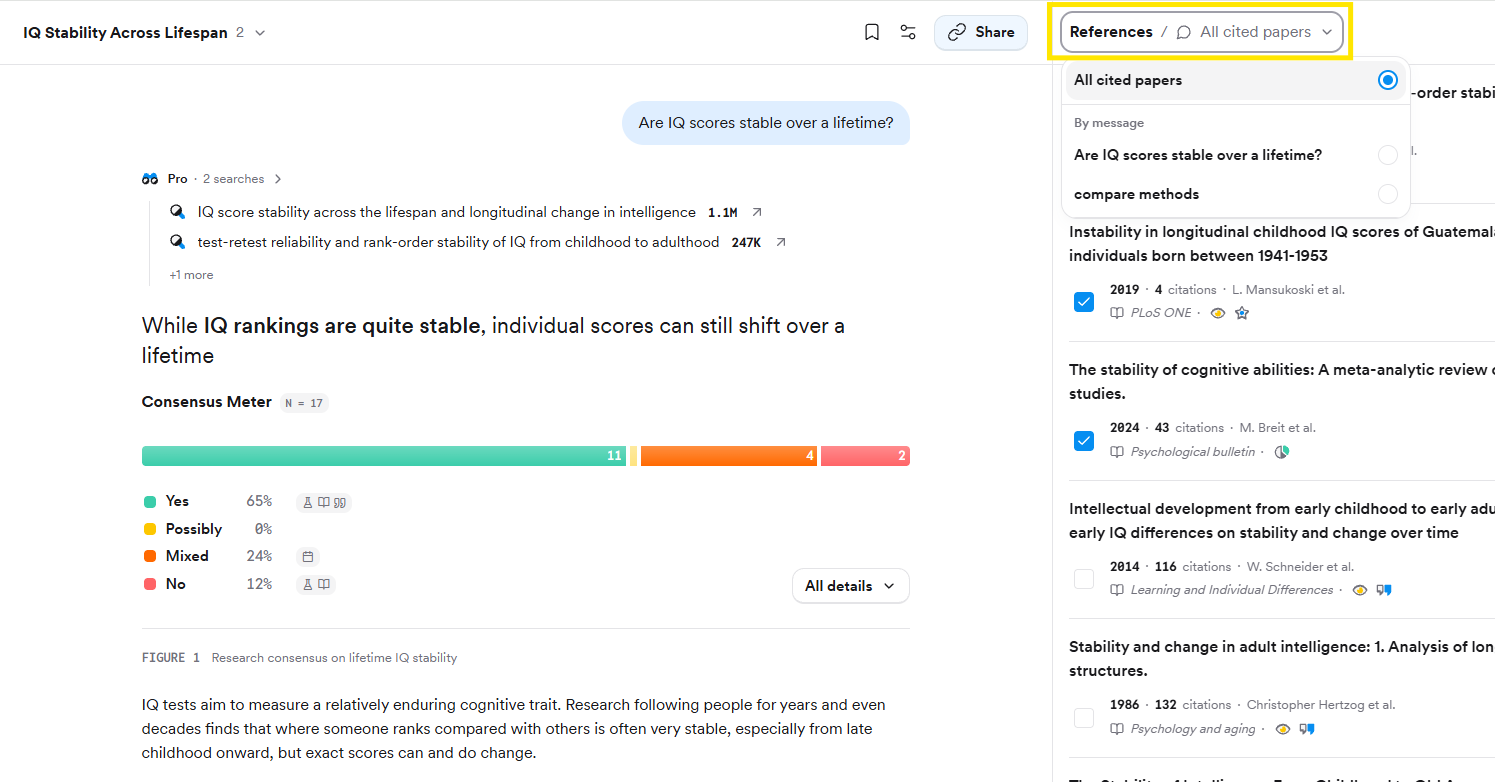
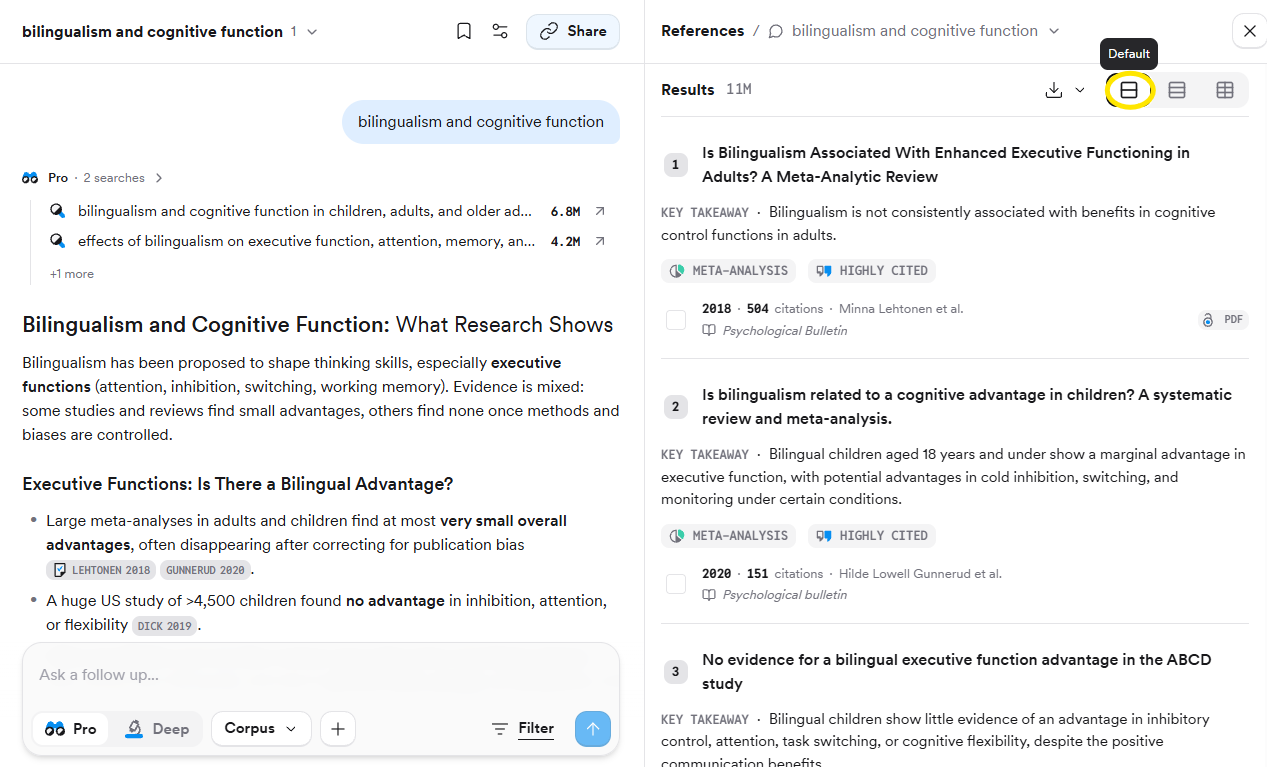
The answer cites the papers that best support each claim, but the thread holds more. Click **References** in the top right and use the dropdown to see **All cited papers** or the papers **By message**. Switch between **Default** (with key takeaways), **Compact**, and **Table** views with the buttons above the list.
## Export the reading list
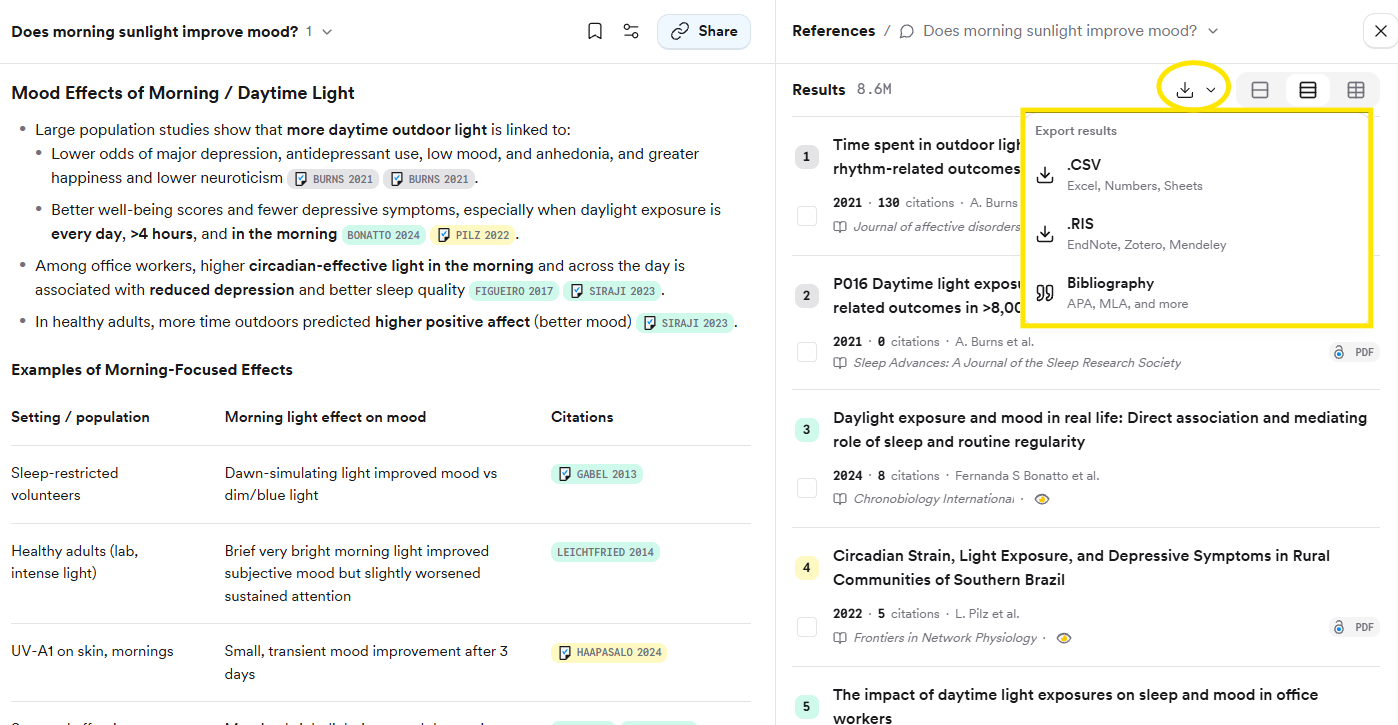
Click the download arrow at the top of the results to export **CSV**, **RIS** for your reference manager, or a formatted **Bibliography** (APA, MLA, Chicago, Harvard, BibTeX, AMA/Numeric).
## Related tutorials
 ## Export the reading list
Click the download arrow at the top of the results to export **CSV**, **RIS** for your reference manager, or a formatted **Bibliography** (APA, MLA, Chicago, Harvard, BibTeX, AMA/Numeric).
## Export the reading list
Click the download arrow at the top of the results to export **CSV**, **RIS** for your reference manager, or a formatted **Bibliography** (APA, MLA, Chicago, Harvard, BibTeX, AMA/Numeric).
 ## Related tutorials