
1
Open custom tools
Go to Copilot studio and find the ‘tools’ tab on the left hand side.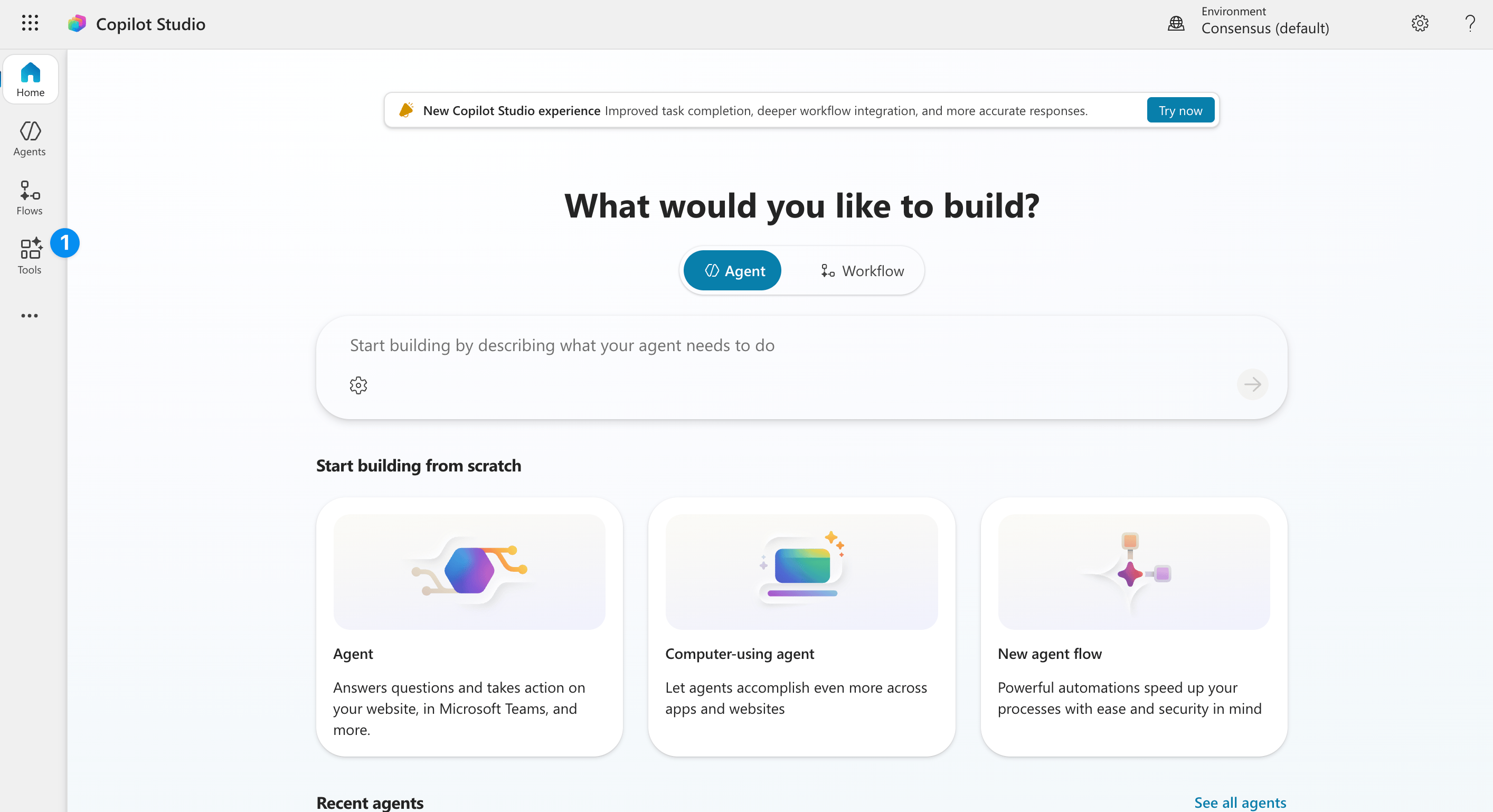
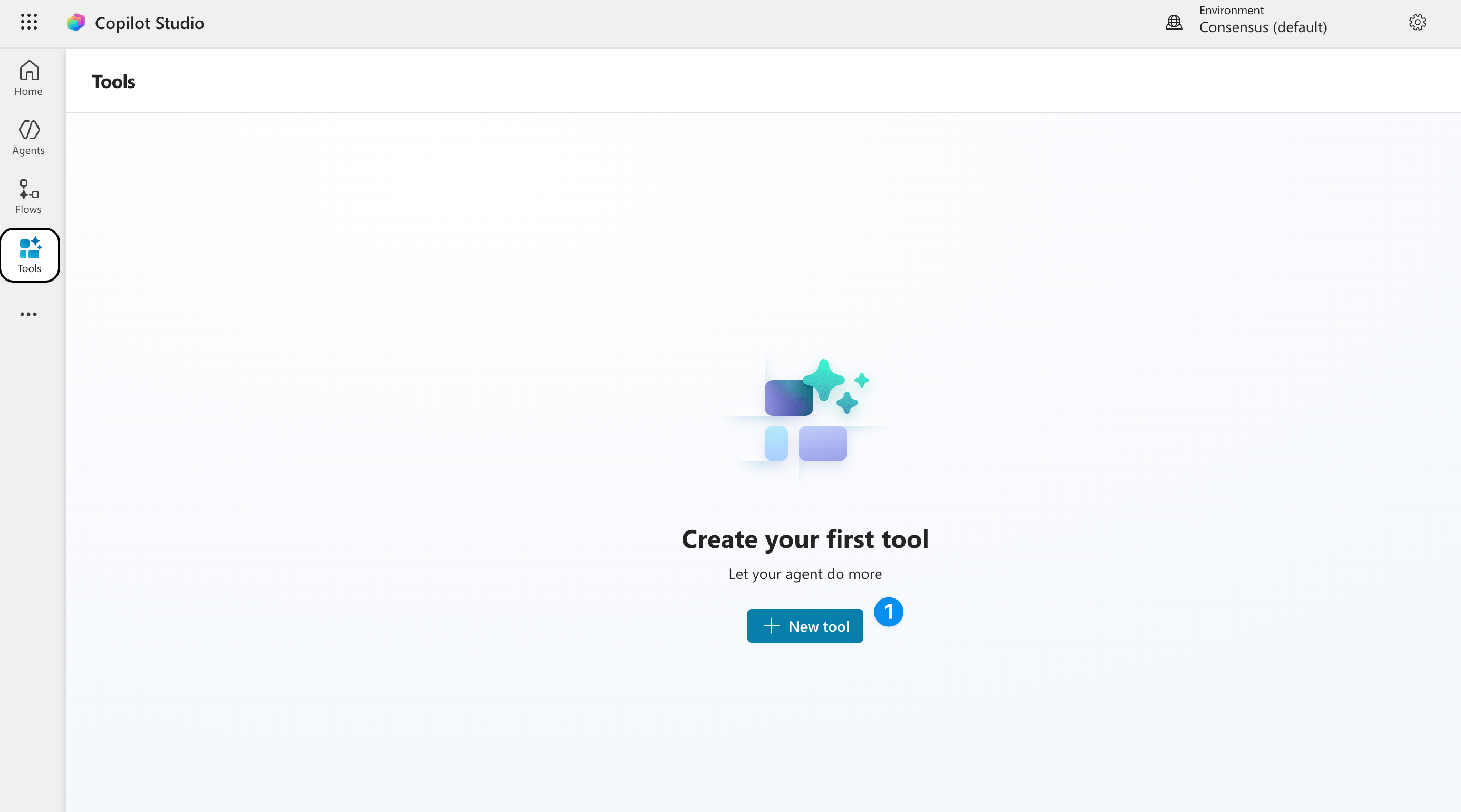
2
Create 'Create new tool'
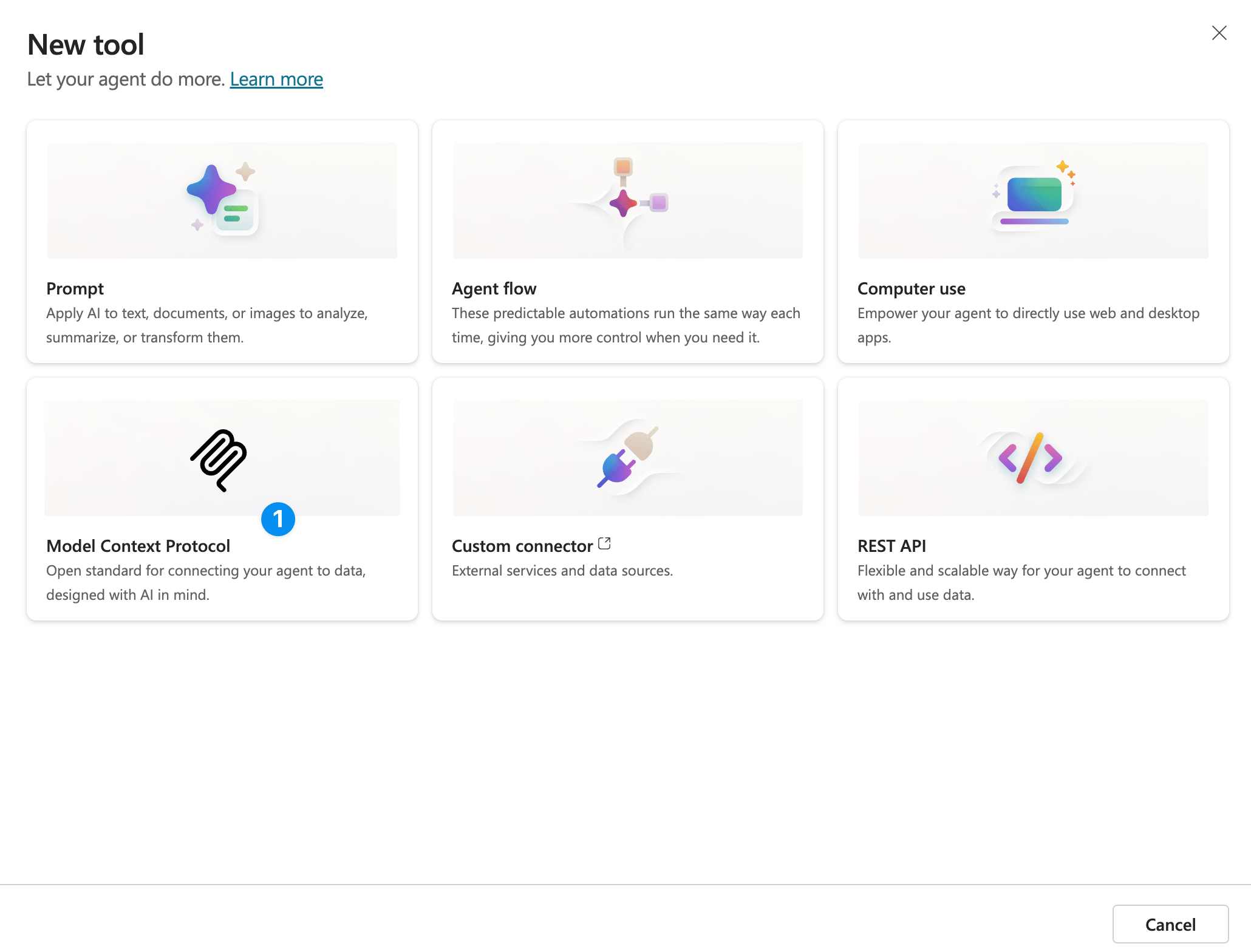
3
Click 'Model context protocol'
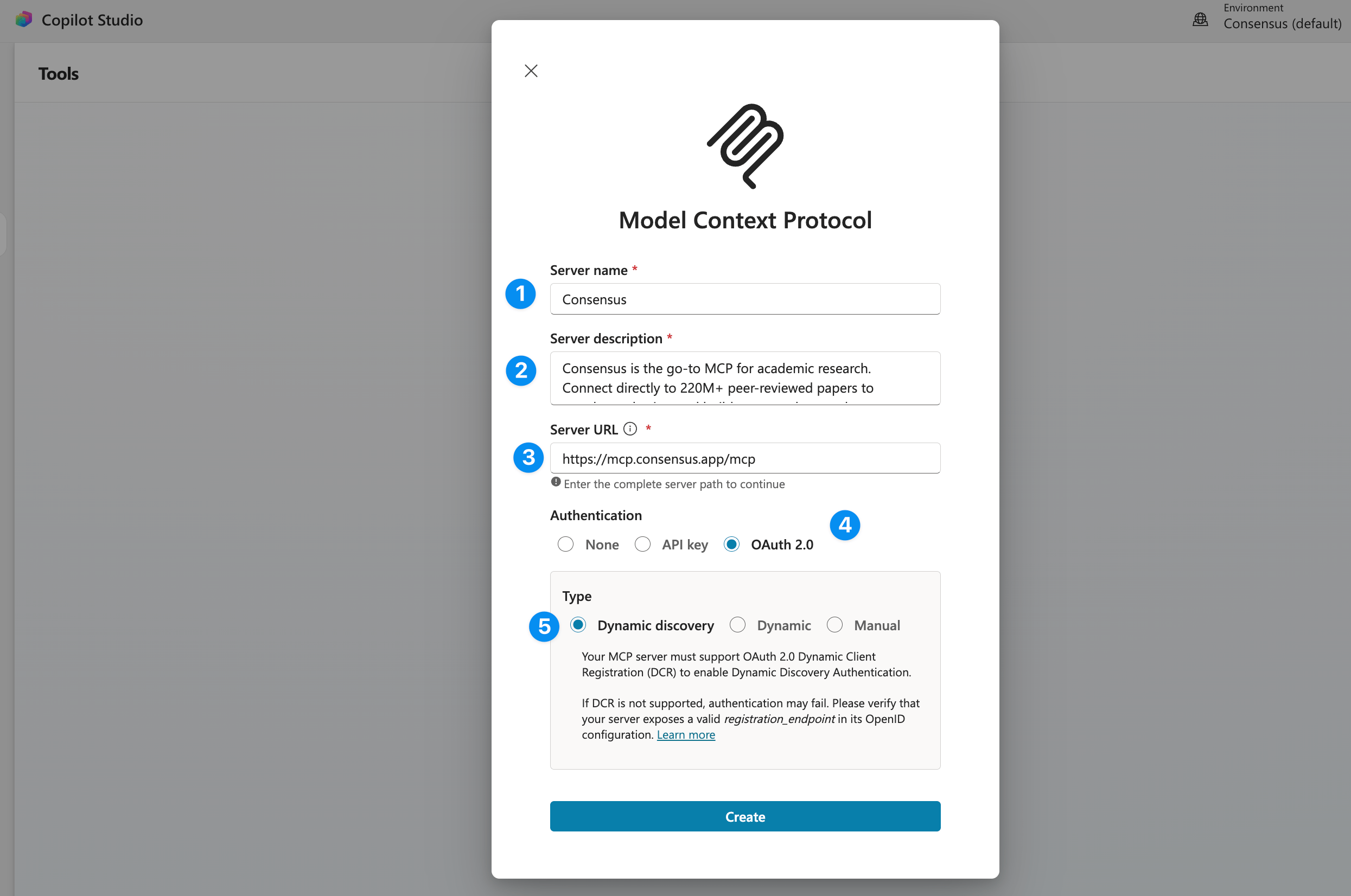
4
Fill in the connector information
5
Save and use!
Thats it! This custom tool can now be used and shared with other team members. Each team member will be able to connect to their own Consensus account when they use the tool.
A Consensus account is required. It is free to create.
Next
Verify your connection
Run a test search and fix common setup issues.
Plans and access
Papers per search, monthly calls, and rate limits for each plan.