
How it works
Deep plans its own steps. A single run can involve 30 or more: parallel searches for the core question, follow-up searches on alternate terms, citation-graph traversal from the strongest results, filters such as minimum citations or study type, and full-text reading of the papers it includes.1
Searches in parallel
Runs up to 20 searches on your question at once, including foundational work, alternate terminology, and counterpoints.
2
Chains Research Agent tools
Follows citation connections from the initial results, applies academic filters, and runs more searches to fill gaps it finds along the way.
3
Screens the candidates
Narrows millions of retrieved papers to a few thousand eligible ones, then to the set it will read.
4
Reads and answers
Reads 50 to 100 papers, full text where available, and writes a citation-backed answer.
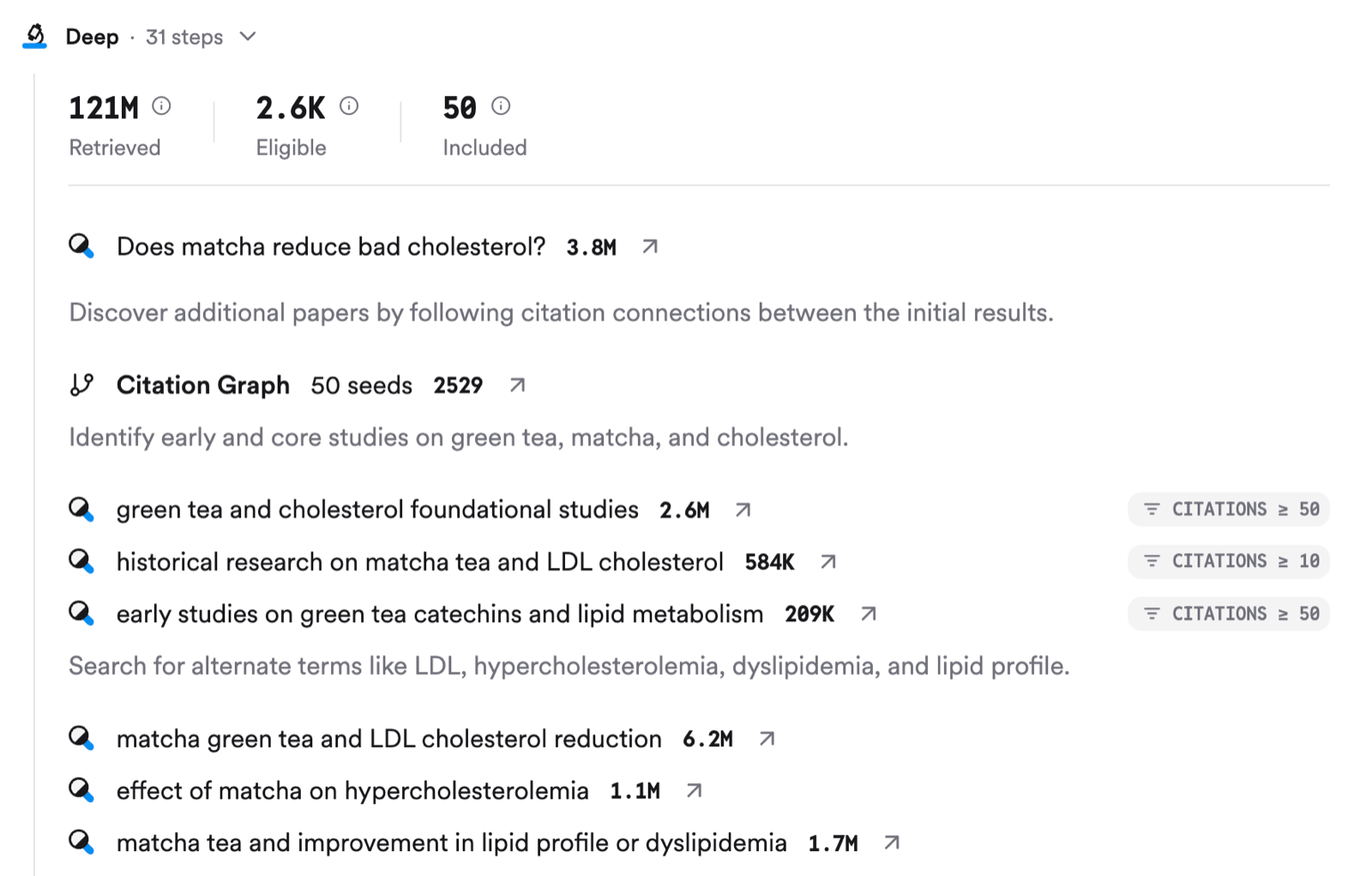
A Deep run: 121M papers retrieved, 2.6K eligible, 50 included. Parallel searches, a citation-graph step seeded from 50 papers, alternate-term searches, and citation filters, across 31 steps.
What you get
The answer looks like a Pro answer, only longer and backed by more papers. Its shape follows your prompt: a synthesis, a comparison, a critique, a reading list, an evidence map, or a custom report. Answers include interactive visuals that:- Show the consensus among the research
- Highlight key authors and top contributors
- Extract key claims and their supporting evidence
- Reveal potential research gaps
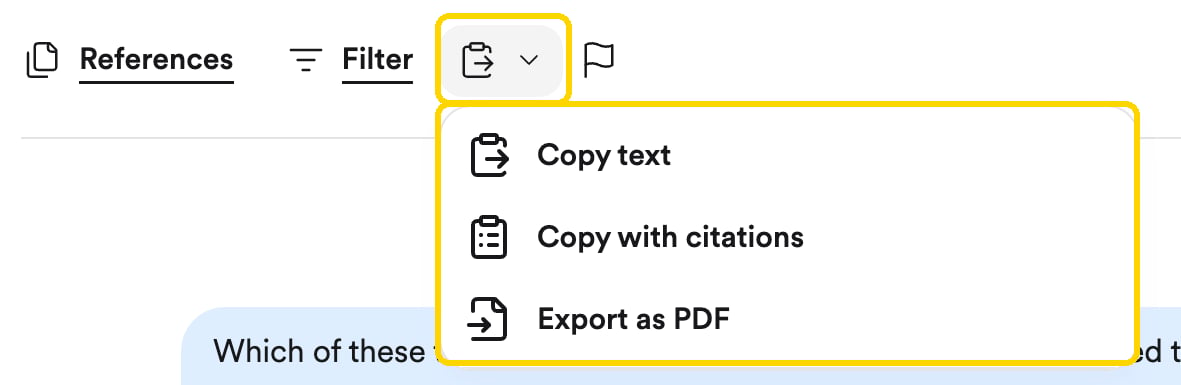
The export button sits under every answer.
Deep may read more papers than it directly cites in the final answer.
How to run one
Turn on Deep in the search bar and the search runs as a Deep Review. That’s it. You can also click it on an existing Pro message to upgrade it.
Turn on Deep, then ask your question.
When to use it
Any search can run in Deep mode, but it earns its keep on questions that need many searches and many papers to answer well. Two examples:
A PICO question, where each element deserves its own searches and the answer needs sample sizes and follow-up periods side by side:
Availability
On the Free plan, a Deep Review also uses one of your 10 monthly Pro message credits, because Deep is an upgraded Pro message. Check your usage under Settings › Subscription.
deep mode runs the longer review on paid plans. ChatGPT’s “Deep Research” is a ChatGPT feature that can call Consensus search; it is not the same as Deep in Consensus.
Related
Research Agent
The engine behind Pro and Deep.
Library
Run a Deep Review over your own papers.