
Step 1: Save a paper
With a search open, hover any paper in the References panel and click the bookmark icon. That saves the paper to My Library straight away, and opens a menu where you can also add it to a Collection or create a new one. It’s easy to miss, but it’s the quickest way to keep a paper you want to come back to.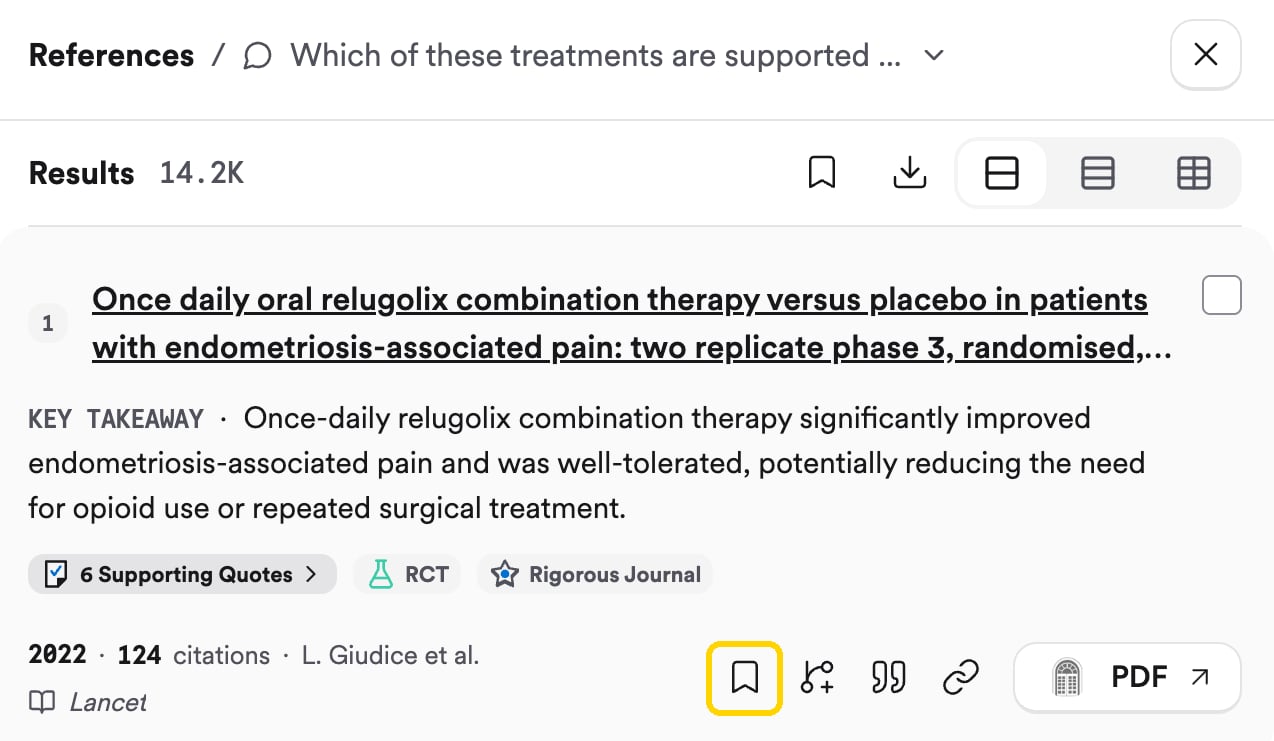
Hover a paper in References and click the bookmark to save it.
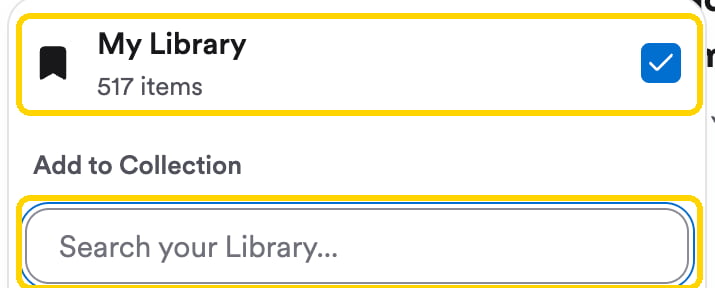
Step 2: Make a Collection for your project
A Collection is a folder of papers. Make one for your research project and save everything relevant to it there.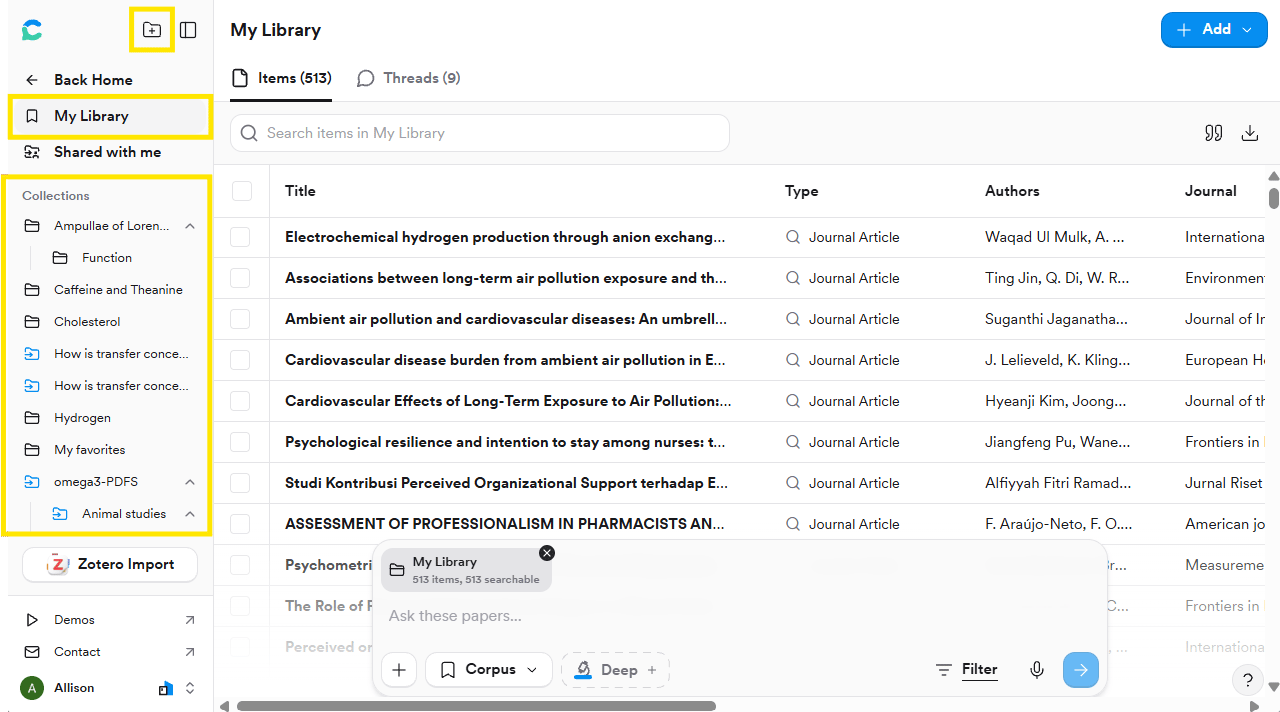
Collections live in the left sidebar of My Library.
Step 3: Find it again
Open My Library from the left sidebar in Consensus. Click a Collection to see its papers, and sort them by title, author, year, or study design.Try it on your topic
Create a Collection named after your project and save at least 5 papers from your searches so far.You should now have: a Collection for your project with your first papers in it. You’ll build on it in Organise and find gaps.
Go deeper: more Library features
Go deeper: more Library features
Upload PDFs, import from Zotero, share a Collection, export a bibliography, and ask questions of your saved papers. See Library.