
Connect in one click
Pick your assistant and add Consensus from its app directory.
ChatGPT
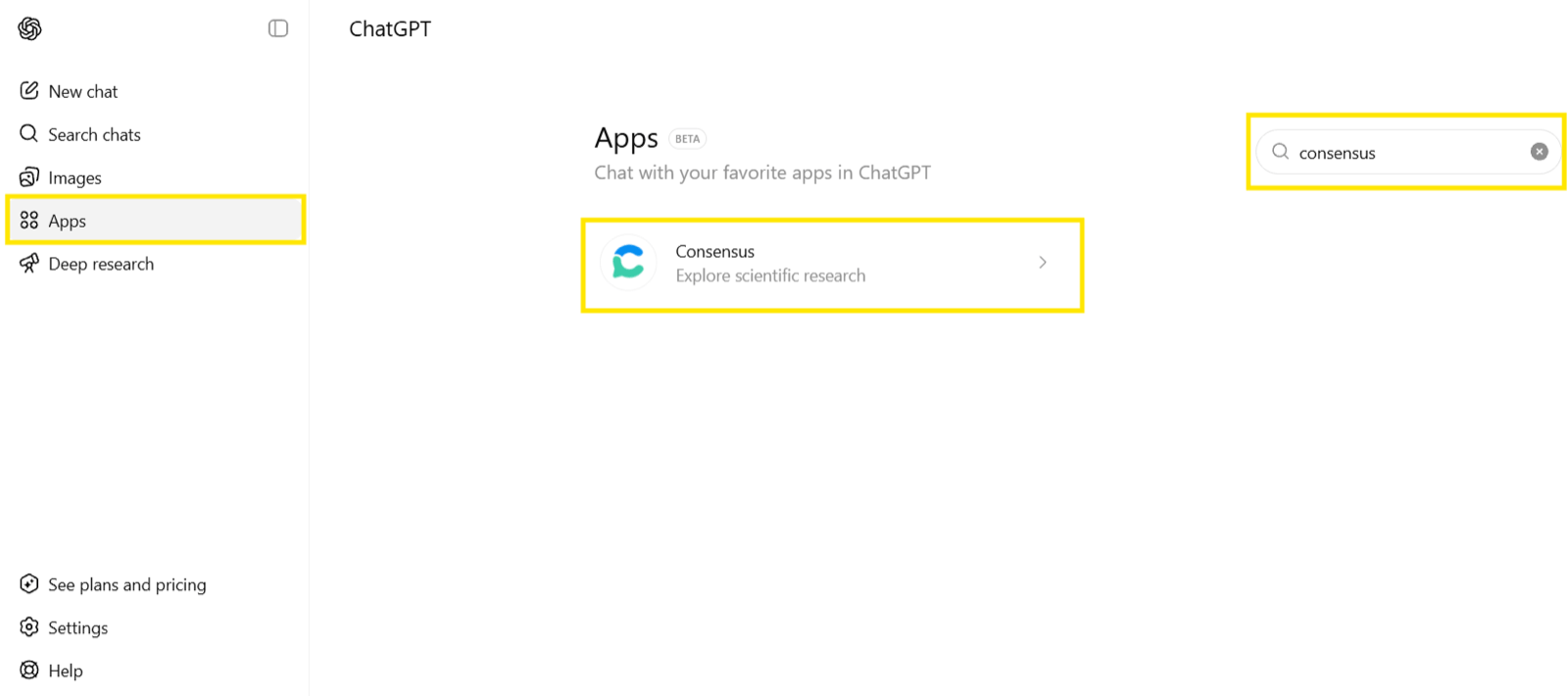
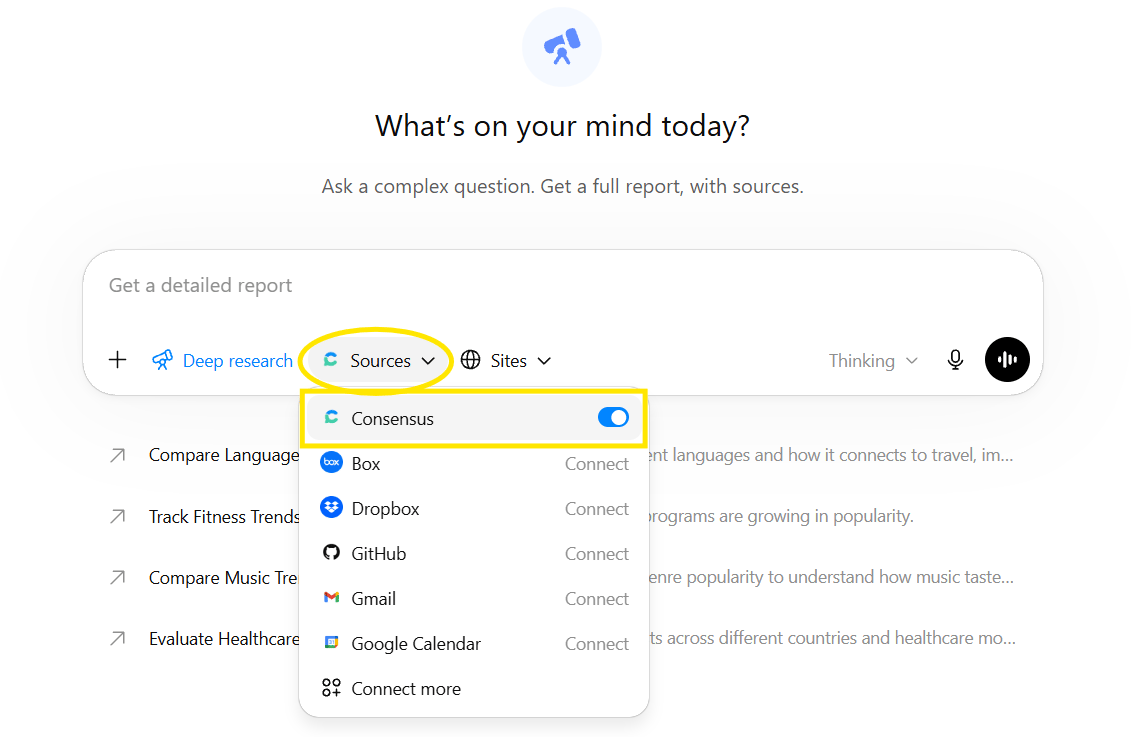
Add Consensus from the ChatGPT app directory.

Claude
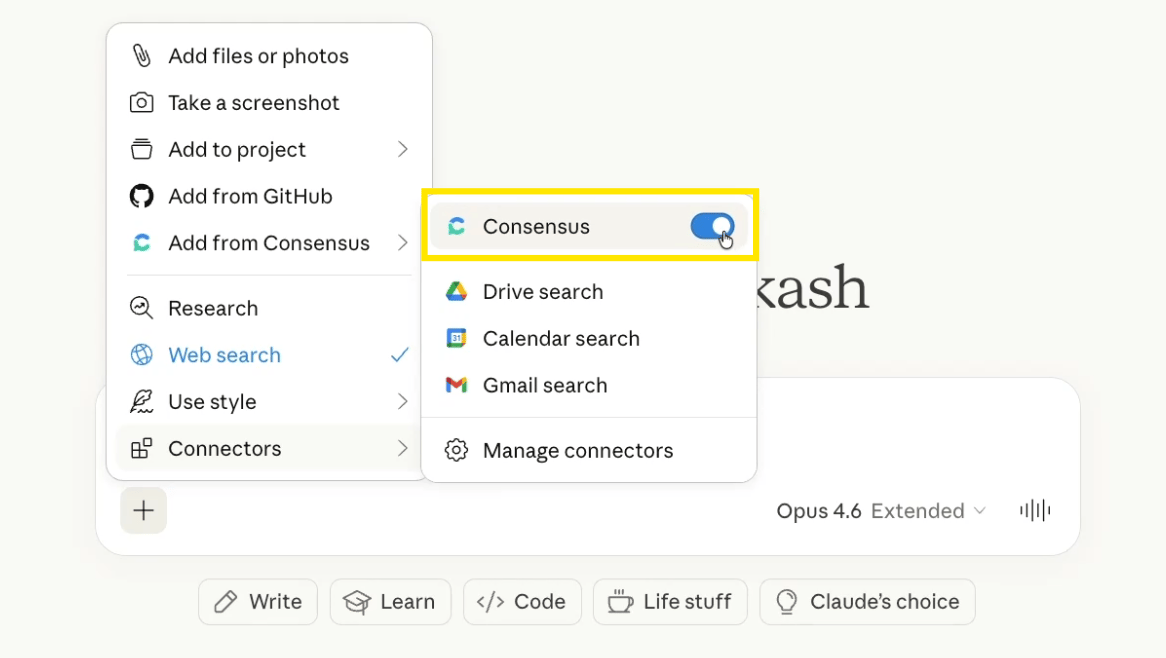
Add Consensus from the Claude connectors directory.

Microsoft 365 Copilot
Add Consensus for Copilot from the Microsoft Marketplace.
Connect another tool
Using a different assistant or tool, such as Cursor, VS Code, or Claude Code? Connect it to the Consensus MCP server directly. MCP (Model Context Protocol) is a standard way for AI assistants to use outside tools. The server is hosted, so there’s nothing to install:Set up your client
Step-by-step connection guides for Claude Code, Cursor, VS Code, Windsurf, Gemini Spark, Copilot Studio, and any other MCP client.
What your assistant can do
Search. Thesearch tool returns ranked papers with title, authors, journal, publication year, citation count, study type, a key takeaway, and a link to the paper on Consensus. On paid plans it can also return query-relevant full-text excerpts, so your assistant can quote the passage behind each claim. Your assistant can pass the same filters Research Agent uses:
- Year range, study type, and journal quartile (SJR)
- Human and controlled studies, minimum sample size, minimum citations
- Medical mode, open access only, exclude preprints
- Study duration and country
create_thread starts the agent on a research question, get_thread returns the cited answer when it’s ready, add_to_thread asks a follow-up, and find_threads finds earlier Threads. The agent can search your Library collections and save papers to them, and deep mode runs a longer literature review on paid plans.
Quick start: Search & Threads
When to use each, with a reference page for every tool.
Supported clients
Claude (web, desktop, and Claude Code), ChatGPT and ChatGPT Deep Research, Codex, Cursor, VS Code and GitHub Copilot, Windsurf, Gemini Spark, Microsoft 365 Copilot and Copilot Studio, and any client that supports remote MCP servers.- Claude
- ChatGPT
- Microsoft 365 Copilot
Open Settings › Connectors, search for Consensus, and click +. Then switch it on from the + menu in any chat under Connectors.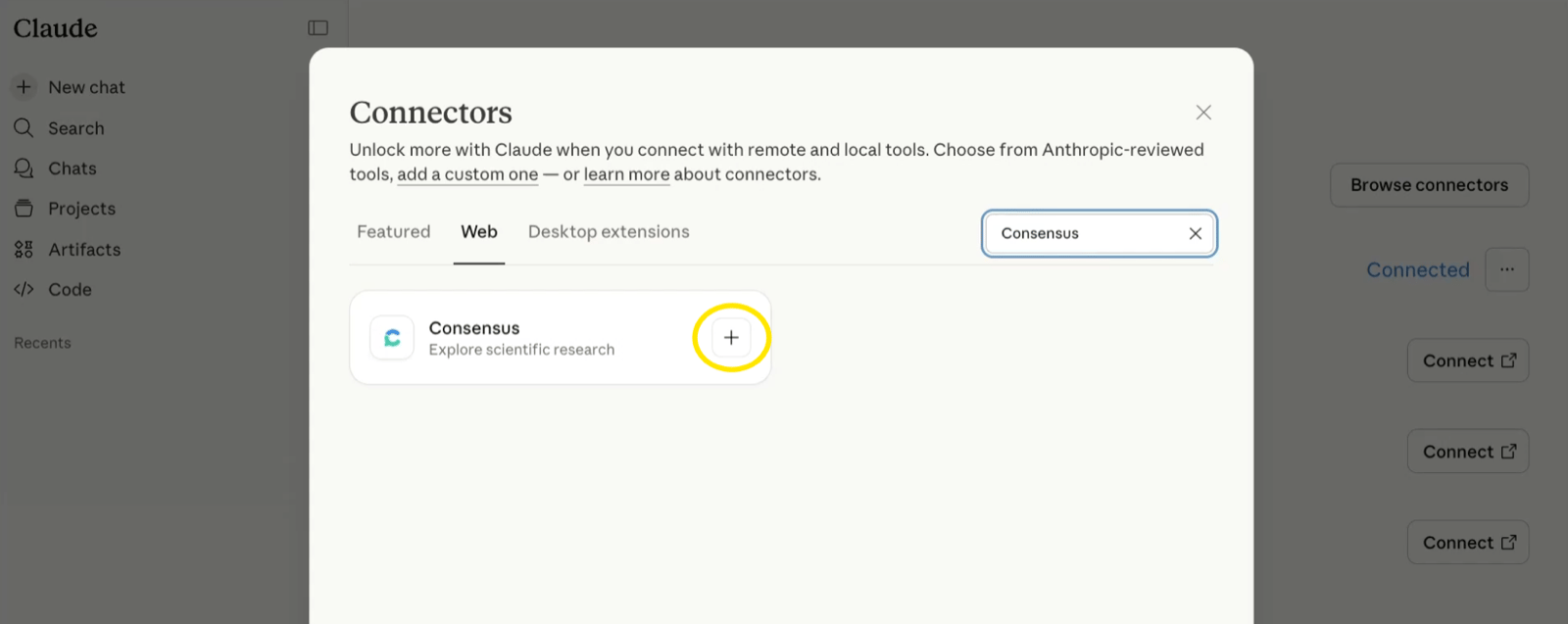
Pre-built workflows
Consensus publishes prompt templates (“skills”) for common research jobs you can run through MCP:- Literature review helper — reconnaissance, PICO/SPIDER decomposition, systematic searching, and synthesis.
- Curriculum development — parse a syllabus into a reading list with discussion questions.
- Grant research — position your idea, map it to NIH institutes and mechanisms, and find funded overlap.
Use the API
Building your own tool, agent, or workflow? The Consensus API gives you the same paper search over REST, and can run Research Agent as a Thread. Send a query, get back ranked peer-reviewed papers with metadata, and skip running each search by hand. It’s self-serve and open to everyone.- The top 20 most relevant papers per query by default; raise
page_sizefor more, up to your plan’s maximum - Metadata on every paper: title, authors, journal, year, DOI, citation count, and a link
- On paid plans: study design, journal rank, key takeaways, and query-relevant full-text excerpts
- The same filters as the web app: publication date, study type, sample size, citations, journal quality, field, country, and open access
Get started with the API
Authentication, your first request, and the full parameter reference.
Run Research Agent from code
Start a Thread, wait for the cited answer, and ask follow-ups.
Plans and limits
API and MCP calls share one monthly pool.- A call covers up to 100 papers: 1–100 papers is 1 call, 101–200 is 2, and so on. Requests default to 20 papers.
- Paid plans can enable additional usage at $0.05 per call, up to 1,000 calls per month (10,000 on Deep). It’s off by default.
- Usage resets on the 1st of each month.
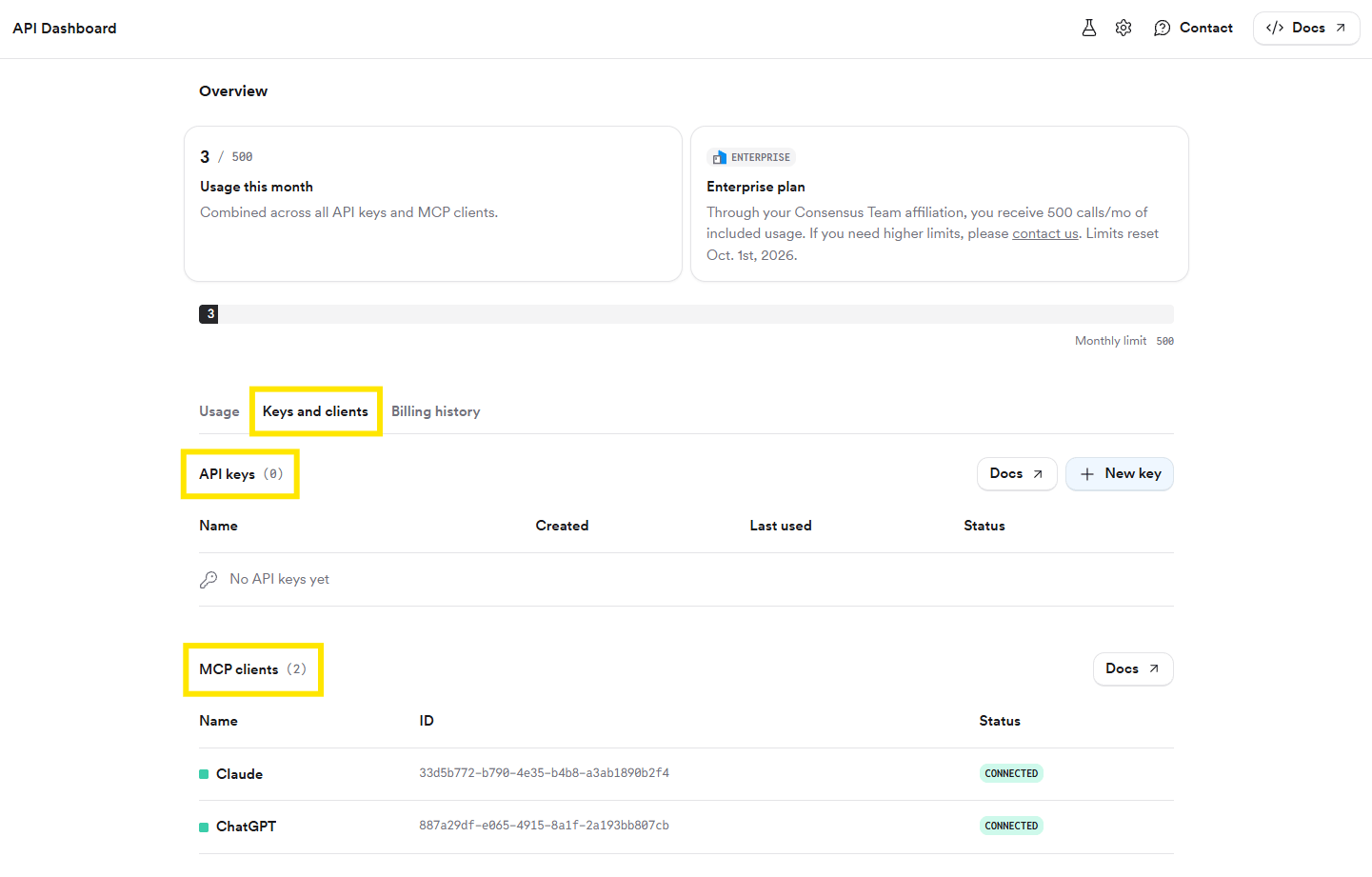
Connected MCP clients appear under Keys and clients, alongside your API keys.
Clients without OAuth can pass any Consensus API key as a Bearer token. The key gets its owner’s plan limits. See MCP plans and access. For custom Enterprise limits, contact [email protected].
Security
Only connect to the official URL above. Queries travel over HTTPS, results contain publicly available paper metadata, and no personal data is stored from MCP requests.Related
Get started with MCP
Connect your client in under 2 minutes.
API
The same search over REST.